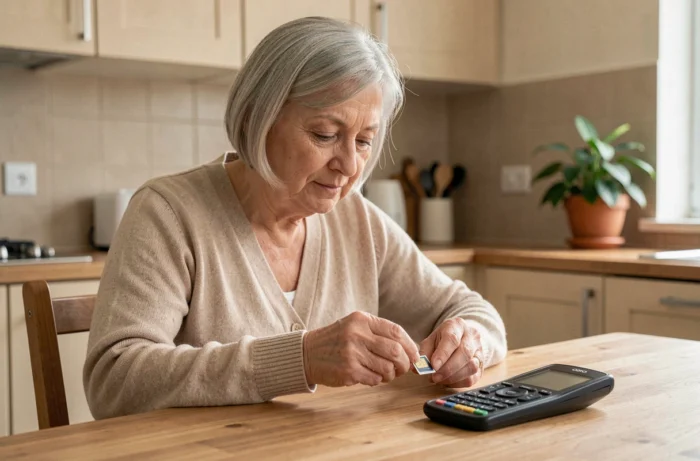
A Doro 6820 purchased for a relative, a SIM card slipped into the drawer, and at the moment of making the first call: nothing. No network, no tone. The problem does not come from the phone, but from a mismatch between the SIM, the operator’s network, and the actual capabilities of the device. Choosing a SIM card for a Doro phone is not just about finding the right physical format. In 2026, it is primarily a matter of network compatibility.
Closure of 2G in France: the trap affecting Doro phones
Most guides start with the format of the SIM (mini, micro, nano). Let’s begin with what truly makes a Doro unusable: the ongoing shutdown of the 2G network in France.
Orange plans a widespread shutdown between September 22 and October 20, 2026. SFR will follow around November 15, and Bouygues Telecom between December 1 and 15. 3G will then gradually disappear between 2028 and 2029 depending on the operator (source: ARCEP).
Many flip or keypad Doro phones still in circulation operate exclusively on 2G, sometimes on 2G/3G. Once the network is cut off by the operator, these devices can no longer make any calls, even with an active SIM card and a paid plan. The phone shows network signal, but the voice does not go through.
Before purchasing a SIM, it is essential to first check if the specific Doro supports 4G. This information is listed in the technical specifications of the model, on the Doro website, or on the packaging. If the device is limited to 2G, changing the SIM card will not solve anything: the phone needs to be replaced.
To properly identify a SIM card compatible with Doro, two pieces of information must be cross-referenced: the physical format accepted by the SIM drawer and the network technology supported by the model.
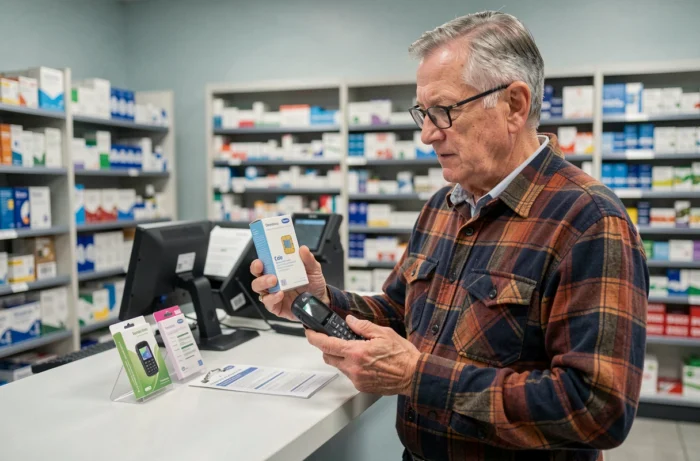
VoLTE on a Doro: why the mention of 4G is not enough
A Doro labeled 4G can use the 4G network for data (browsing, updates) while switching to 2G or 3G for voice calls. This operation, common on mid-range models, poses a direct problem once these older networks are shut down.
VoLTE (Voice over LTE) allows calls to be made directly over the 4G network. For this to work, two conditions must be met:
- The Doro phone must support VoLTE in its firmware. This is not always the case for entry-level models or flip devices released before 2022.
- The operator must accept this device on its VoLTE network. Each operator maintains a list (not always public) of validated terminals. A VoLTE compatible Doro with Orange may not be compatible with Free.
- The VoLTE setting must be enabled in the phone’s settings, which is not done by default on all Doro models.
In practice, if a senior is equipped with a Doro 4G with a SIM from an operator that does not recognize this model for VoLTE, calls may drop after the shutdown of 3G. Verification can be done with the operator’s customer service by providing the exact model reference (Doro 6820, Doro 8200, etc.).
SIM card format for Doro phones: micro or nano depending on the model
The physical format remains an essential criterion. Doro phones primarily use two formats:
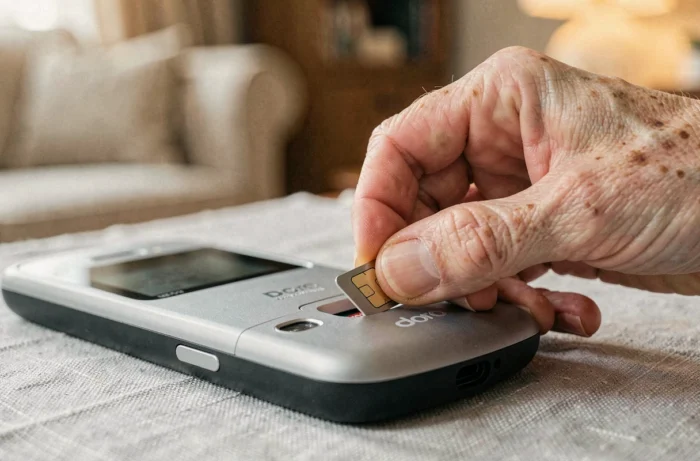
- Flip and keypad Doro phones (Doro 6820, Doro 2424) generally accept a micro-SIM.
- Doro smartphones (Doro 8200, Doro 8210) use a nano-SIM, the smallest and most common format today.
If you order a SIM from an operator, it often arrives as a triple-cut card (mini, micro, nano on the same support). You just need to detach the correct format. No adapter is needed in most cases.
Special case: older Doro with standard SIM
Some very old models (Doro PhoneEasy 410, for example) still used the mini-SIM format. These devices are also the ones that operate exclusively on 2G. If you encounter this scenario, replacing the phone is necessary anyway.
Senior mobile plan and Doro SIM card: what really matters
It is often stated that a senior plan should include a lot of mobile data. For a keypad Doro user who makes calls and sends a few texts, this is unnecessary. A plan with unlimited calls and a few hundred MB is sufficient for this profile.
The selection criteria that matter more for a Doro:
- The 4G coverage of the operator in the senior’s residential area, verifiable on ARCEP coverage maps.
- VoLTE compatibility confirmed for the specific Doro model.
- No commitment, as changing operators may become necessary if VoLTE compatibility poses issues.
- A customer service reachable by phone (not just via chat or app), suitable for an audience that does not navigate an online customer space.
Doro also offers its own plan, Doro Connect, with a SIM delivered ready to use. Feedback varies on this point, but the main advantage remains the guarantee of compatibility between the SIM, the network, and the phone.
Checks before activating the SIM in a Doro
Once the SIM is in hand, a few practical steps can avoid calls to customer service:
Insert the SIM with the phone turned off, respecting the direction indicated by the notch in the drawer. On flip Doro phones, it is often necessary to remove the battery to access the SIM compartment.
After the first power-up, check that the phone is properly connecting to the 4G network (and not just “E” or “3G” in the status bar). If the screen displays “E,” the device is using 2G, confirming a network compatibility issue.
On Doro smartphones, enable VoLTE in the network settings (Settings > Mobile Network > VoLTE or 4G Calls). On keypad phones, this setting is sometimes automatic or absent from the menu, meaning compatibility depends entirely on the installed firmware.
The choice of a SIM card for a Doro hinges on more than just the physical format. Checking the 4G and VoLTE compatibility of the model with the chosen operator remains the only way to avoid a mute phone after the ongoing network shutdowns. A recent Doro with the right SIM works seamlessly. An old Doro with any SIM will soon not make a single call.